
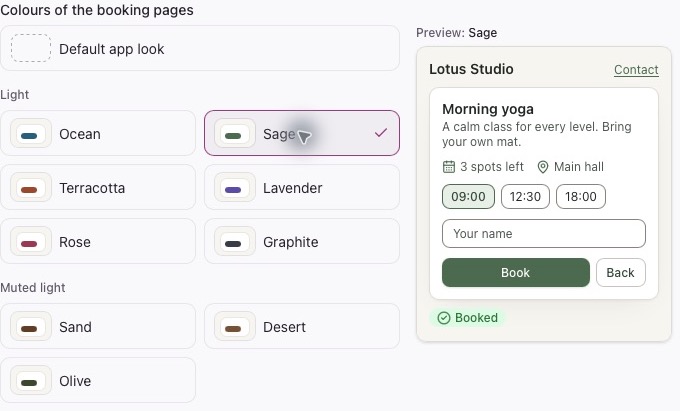
Match your booking pages to your brand with ready-made colour themes.
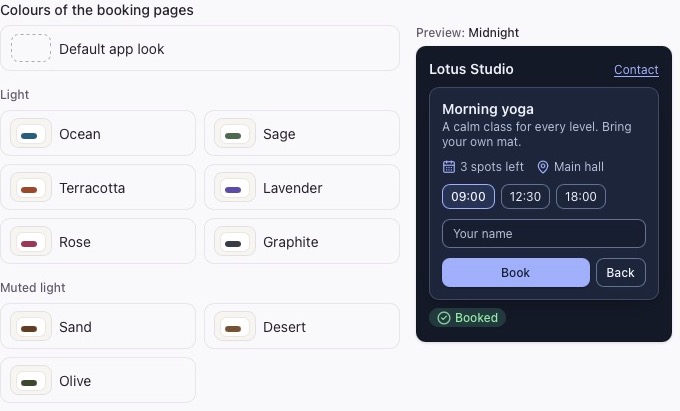
Themes coordinate the background, cards, text, buttons, links and selected dates. Choose a light, muted, medium-dark, dark or gradient style.
How to change your colours
- Sign in to Micali.
- Select Account in the side menu.
- Under Colours of the booking pages, choose a theme and check the preview.
- Save your changes and check your public booking page on mobile too.
Or ask AI for help: “I want to change the colour of my booking page.” It will help you with the settings.
The account’s booking-page colours apply to events, services and procedures without their own theme. Choose Default app look to return to the original colours. Account theme is a separate setting for your team’s workspace.