A customer books an appointment. You then enter the details in a company spreadsheet, inform a colleague or update your customer management system. If you do these things regularly, you can connect them using webhooks.
What is a webhook?
A webhook is an automatic notification that one app sends to another when something happens. For example, when a booking is created, an appointment is confirmed or a customer cancels a booking.
Think of it as a doorbell between apps. When a selected event occurs, the webhook alerts the other system and passes on the relevant data. That system can then carry out the task you have configured. It does not need to keep asking whether anything new has happened.
How does it work in Micali?
In Micali, you set the event you want to track and the address to which the notification should be sent. When the event occurs, Micali sends data to that address in JSON format, which other apps can process.
Confirmed booking → webhook from Micali → automatic entry in an external overview.
Micali provides webhooks for various events: creating or updating a customer, creating, confirming, rescheduling or cancelling a booking, and selected changes to subscriptions. For room bookings, a notification is also available when a booking is rejected.
What can you use webhooks for?
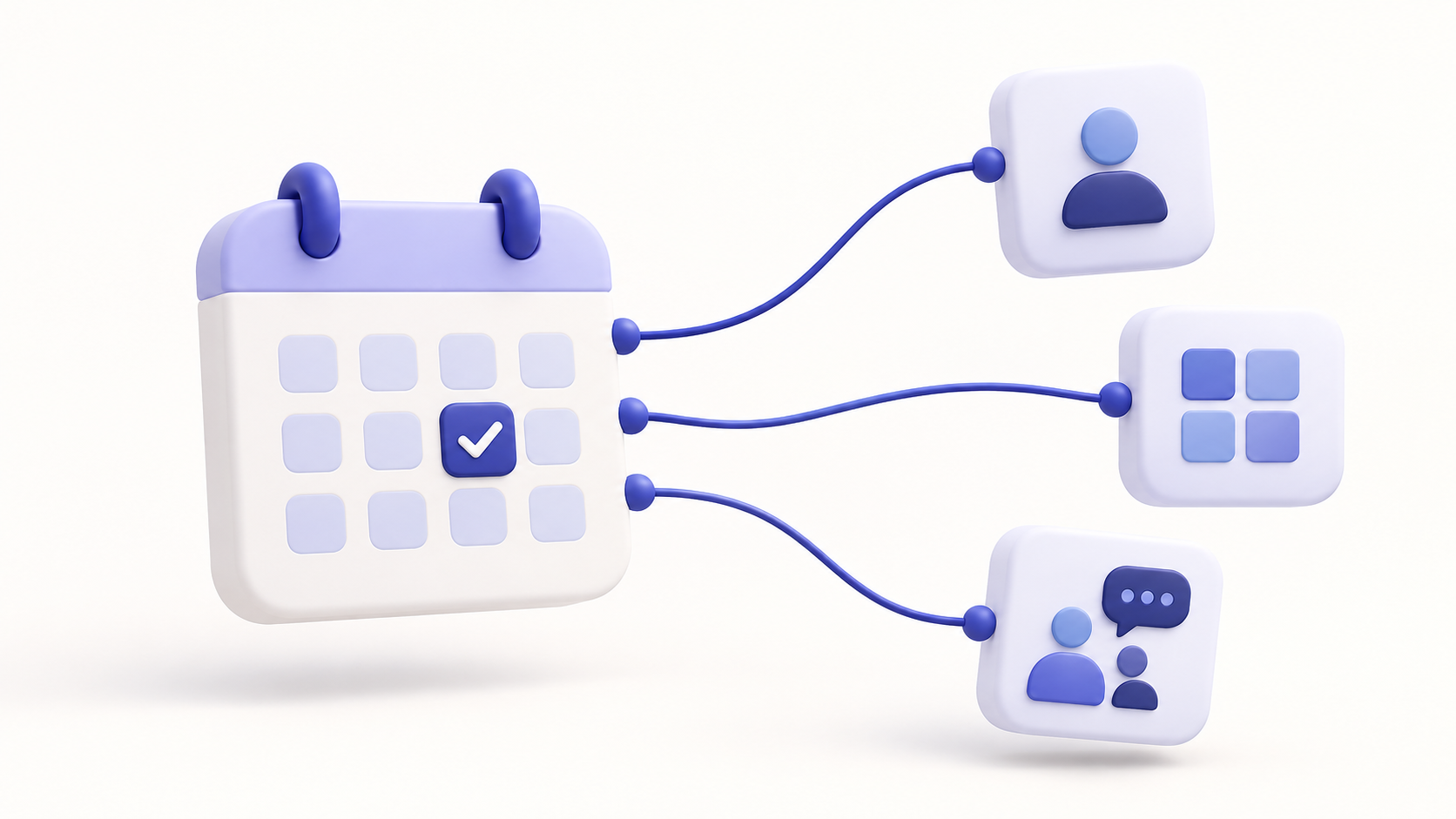
- Connecting with your customer management system. Based on the notification, your CRM system can add information about a new booking or update a customer record.
- Internal team notifications. A confirmed booking can trigger a message in a workplace communication tool.
- Your own spreadsheets and reports. Booking data can be entered automatically in an external overview.
- Follow-up tasks. A booking can create a task to prepare a room. If the booking is cancelled, the connected system can remove that task.
These examples require a connection to be configured in the receiving app. The webhook passes on information; your automation tool or custom system determines what happens to it.
What do you need to get started?
First, choose a specific action you want to automate. Then prepare a receiving address in the destination app or automation tool.
In the Webhooks section in Micali, enter this address and select the event type. Each webhook tracks one event type. To respond to both booking confirmations and cancellations, create two webhooks; both can point to the same address. The account's main administrator manages these settings.
Next, test the connection with a trial booking and check that the other app carried out the expected action.
Webhooks are especially useful when you use several systems and repeatedly copy the same data between them. Start with one simple automation that saves you work every day.
The Micali website lists API access and webhooks among its optional premium features. Explore Micali's options.