
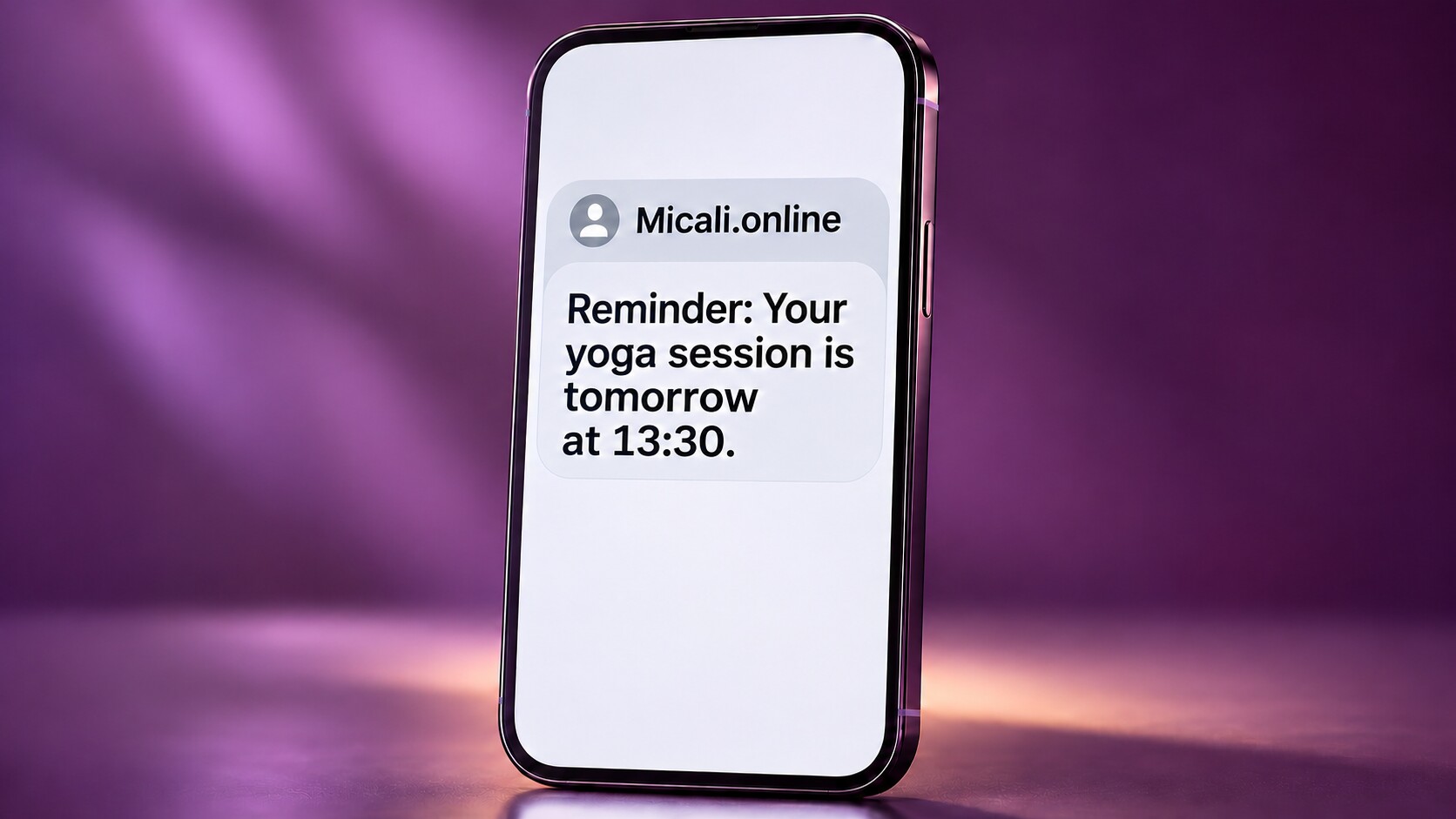
A short text can remind a customer about tomorrow’s appointment when an email is easy to miss. You can now send those SMS notifications free of charge through Micali’s international number. It is available to accounts in all 27 EU countries and Norway.
What number will customers see?
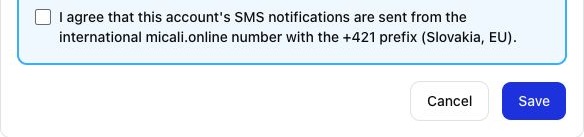
Customers receive the message from a Slovak micali.online number with the +421 country code. If you operate outside Slovakia, recipients will see a foreign prefix. When activating the feature, the account’s root admin explicitly agrees to this sender. Include your business name in the message so customers can recognise who it’s from.
You can send free SMS to phone numbers in the EU and Norway. The feature is available on regular accounts. Demo accounts do not send SMS.
How to enable free SMS
- Sign in as an account root admin and open Email / SMS from the menu.
- In the SMS section, select Edit and choose the international micali.online number.
- Read the sender and limit information. If the +421 prefix works for you, tick the consent checkbox and save.

Choose what to send and when
Write your own text for the SMS channel in Message templates. In your booking settings, choose which template to use on each occasion, such as a booking confirmation or a reminder before the appointment. Under Email / SMS, you can also see how much of your allowance you have used.
How many texts can you send?
The allowance protects the shared number from misuse. The standard limit is up to 500 SMS per account per calendar month. An additional cap of 30 SMS per day applies during the first four days after activation. You can check your current allowance in settings. If you reach a limit, you can send from this number again when the relevant allowance resets.
If the international sender works for your customers, open Micali and try it for an appointment reminder.