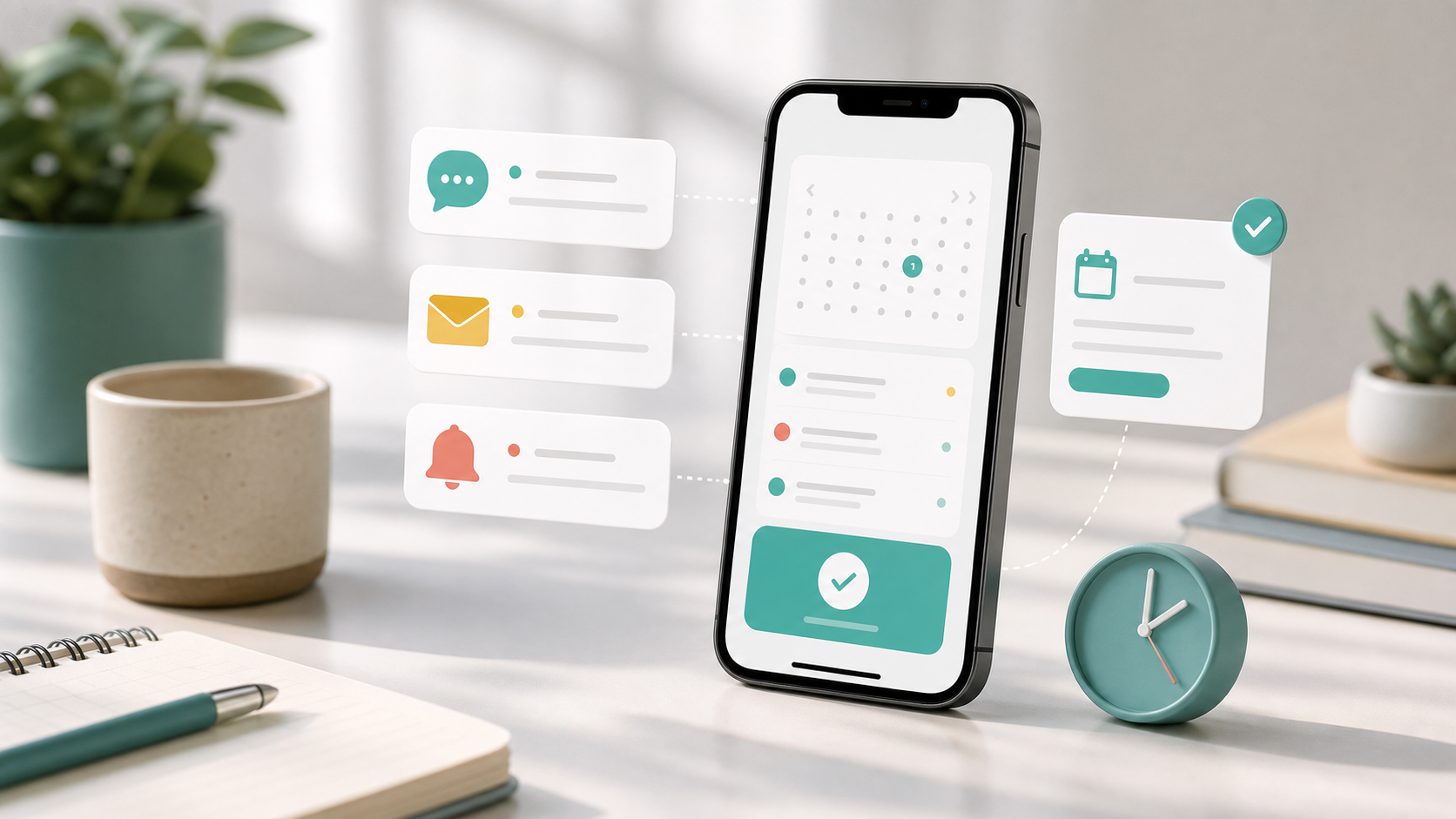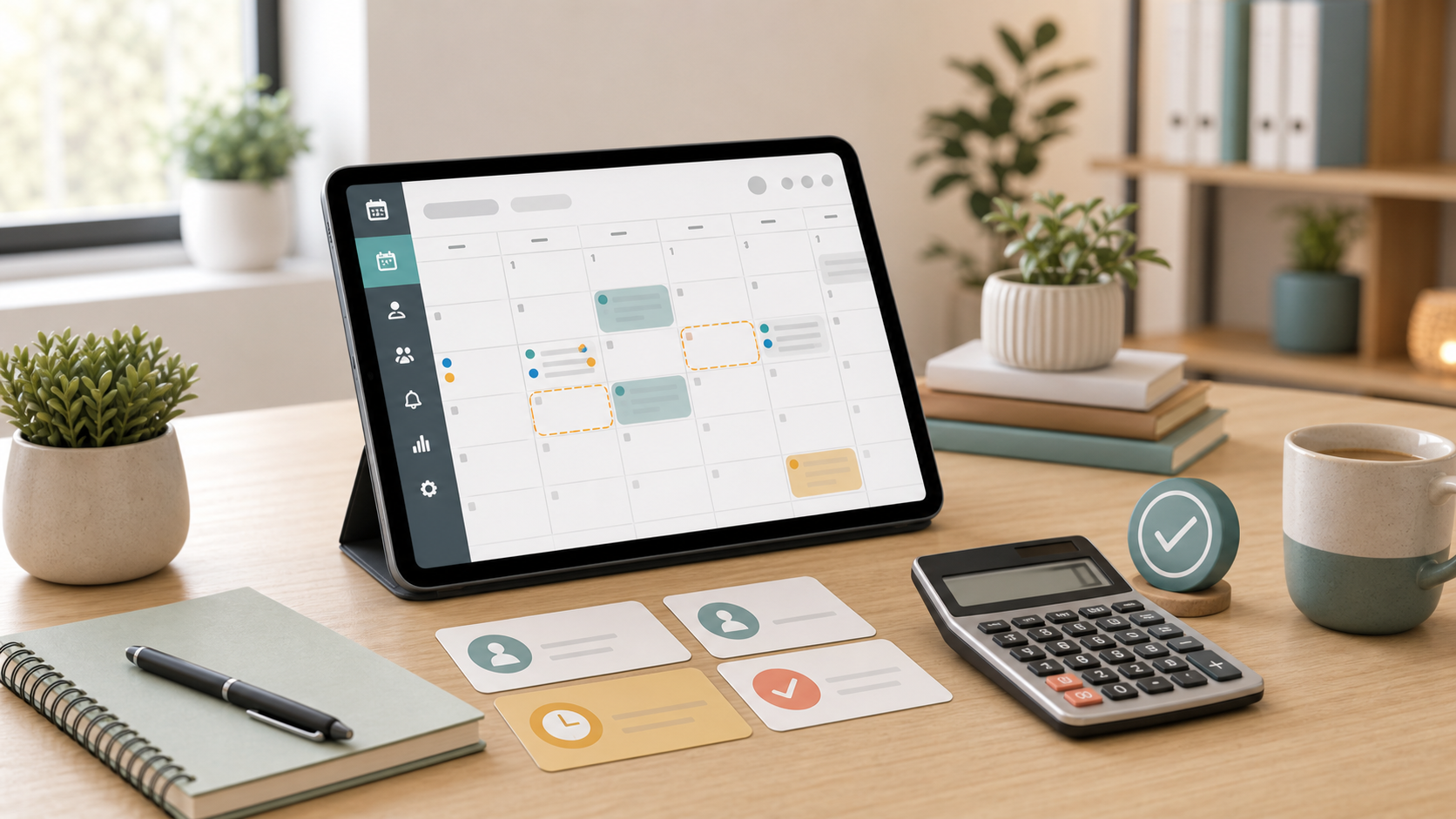
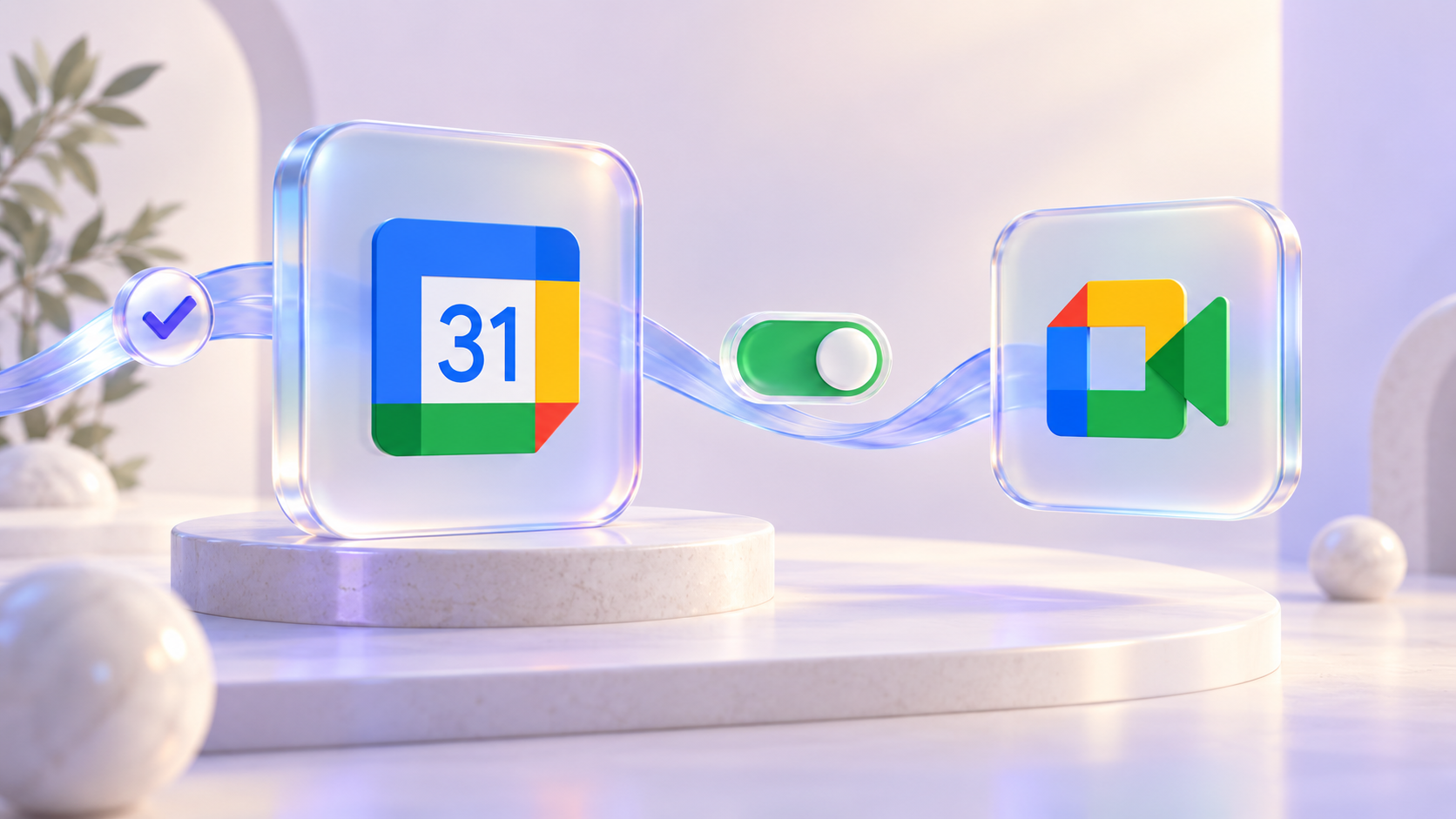
An online lesson or consultation starts with a booking. With Micali, the next step can happen automatically too: create an event in your Google Calendar and add a Google Meet link for the meeting.
You choose whether to include Google Meet. Calendar synchronisation and video meetings now have separate switches, so you can add appointments to your calendar with or without an online meeting link.
Connect your calendar first
Connect a Google account in Account → Google Calendar or your personal calendar in Profile → My Google Calendar. Then choose which calendar to use in your event or service settings.
Two switches, two choices
Enable Add to Google Calendar and select the Google account and Calendar. This enables calendar event creation for new confirmed bookings.
To include a video meeting, also enable Also create a Google Meet link. Micali creates the Meet link together with the Google Calendar event, and visitors receive their online meeting link by email.

When is the link created?
For an event, each date gets one Google Calendar event, created with the first confirmed booking. If Google Meet is enabled, that date also gets one shared meeting link for everyone booked on it.
For a service, each confirmed booking gets its own Google Calendar event. Enable the separate Meet switch in the service settings when these appointments should include a video meeting.
A procedure can use the service’s calendar or a different connected calendar, such as the calendar of the person providing it. Choose this under Calendar for this procedure.
Good to know before you start
These settings apply to new bookings; existing bookings are not changed when you enable them. Simply creating or editing an event in Micali does not immediately create a Meet link: the calendar event is created when the booking is confirmed.
Keep appointment changes in Micali. If a synchronised booked appointment is rescheduled there, its date updates in Google Calendar too. Changes made directly in Google Calendar are not transferred back to Micali.
For in-person appointments, leave the Meet switch off and use calendar synchronisation on its own. For online lessons, coaching, or consultations, turn it on to have the meeting link ready automatically.
Need help connecting a calendar? Read our Google Calendar setup guide, then open Micali to choose your calendar and enable Google Meet.