Every empty chair, table or treatment room that should have been booked is money and time you can never get back. For appointment-based businesses, no-shows are one of the biggest hidden costs there is — and most owners simply accept them as part of the job.
They don't have to be. No-shows are highly predictable, and that makes them highly preventable. Businesses that combine a few simple tactics often cut their no-show rate materially, especially when reminders, deposits and easy rescheduling work together.
This guide walks through what causes no-shows, what they really cost, and the proven steps you can take this week to keep your calendar full.
If you are setting up online booking from zero, read the complete online booking setup guide first, then use the tactics below to tighten the no-show prevention layer.
What counts as a no-show — and how common are they?
A no-show is any client who books an appointment and then simply doesn't turn up, without cancelling or rescheduling in advance. It's different from a late cancellation, although both leave you with an empty slot you could have filled.
Reported no-show rates vary widely by industry, but a range of 10–20% is common for businesses that rely on memory and goodwill alone. In some sectors it climbs higher. The single biggest factor? Whether the client was reminded.
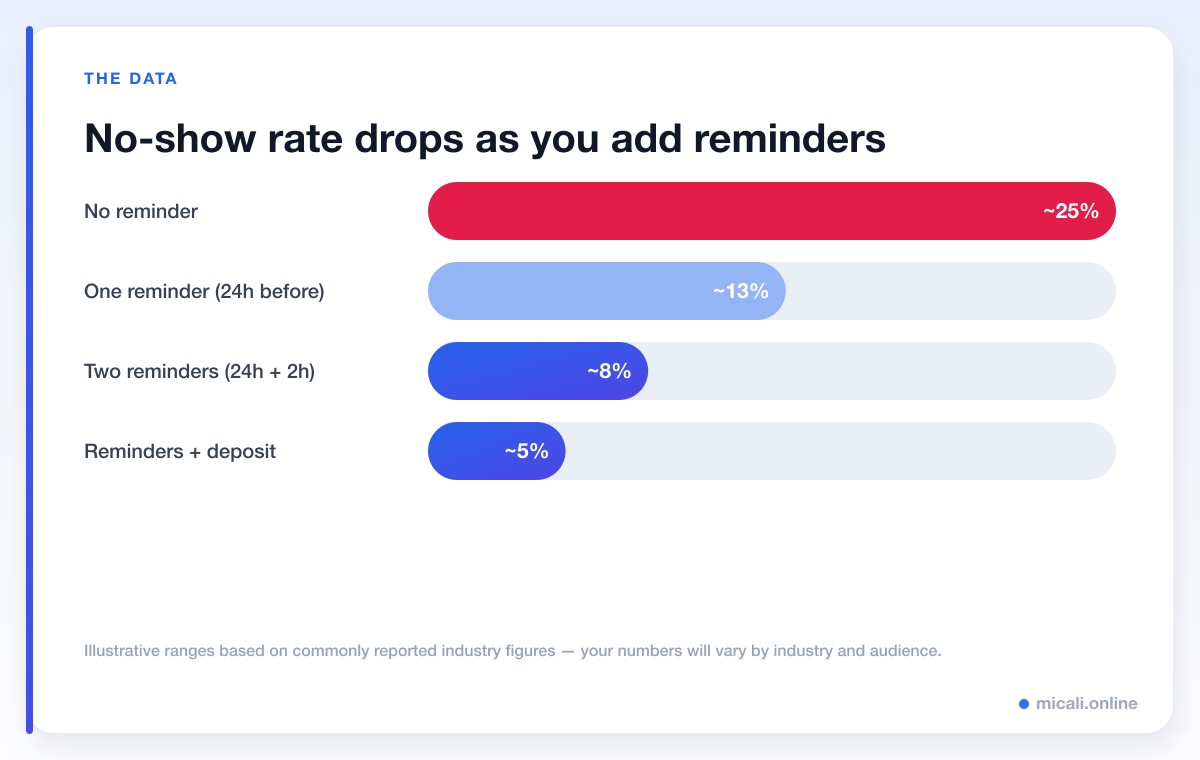
The pattern is consistent across industries: the more relevant, well-timed reminders you send, the fewer people forget. Add a small financial commitment like a deposit and the rate drops further still.
The real cost of no-shows
It's easy to shrug off a single missed appointment. But the maths adds up fast. If your average appointment is worth €45 and you lose just five a week, that's €225 a week — over €11,000 a year walking out of the door, before you count wasted staff time and the knock-on effect on clients who couldn't get that slot.
No-shows also create a hidden ripple effect: when people can't book the time they want because the calendar looks full, they go elsewhere — even though that slot ended up empty.
A no-show isn't one lost appointment. It's a lost appointment, plus the client you turned away because the slot looked taken, plus the staff time you paid for anyway.
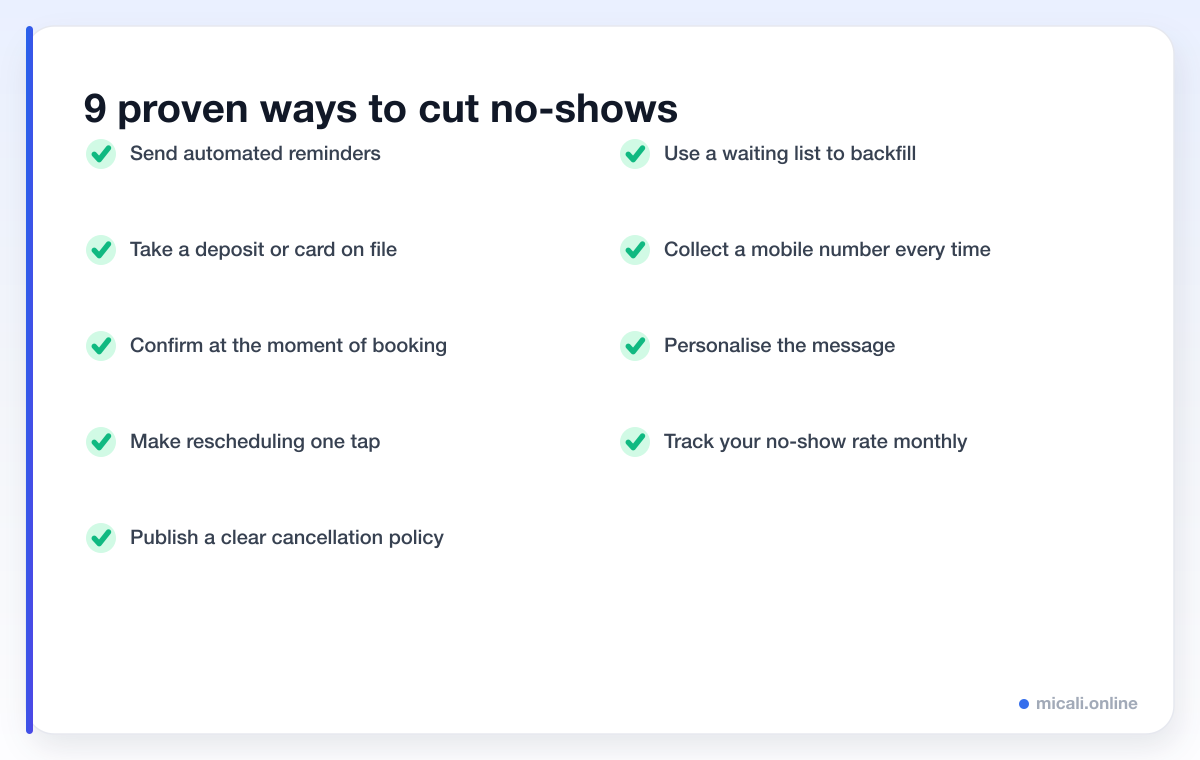
9 proven ways to reduce no-shows
There's no single silver bullet. The businesses with the lowest no-show rates stack several small habits together. Here are the nine that make the biggest difference.
1. Send automated reminders
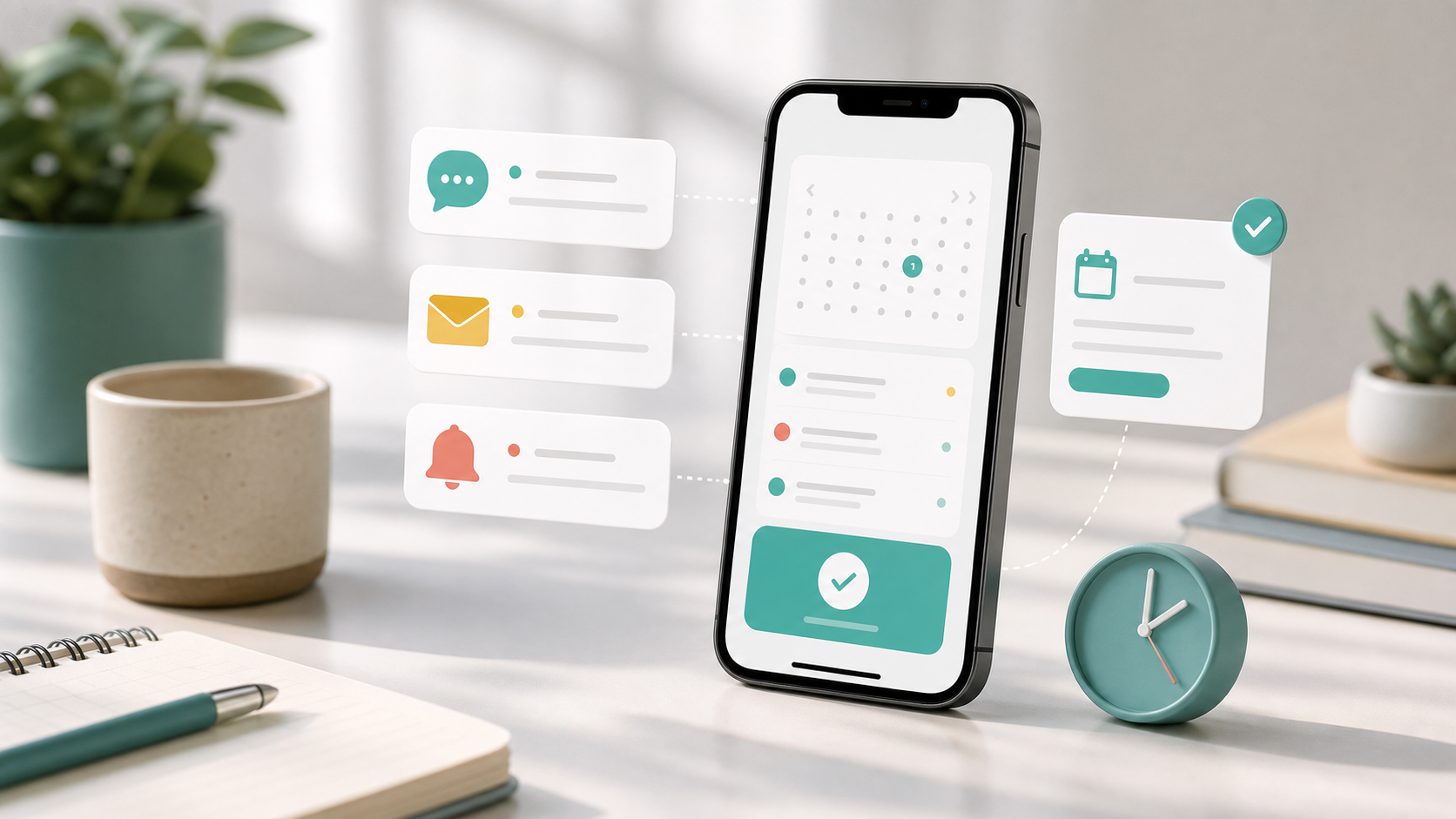
This is the highest-impact change you can make, full stop. Most no-shows aren't deliberate — people are busy and they simply forget. An automated reminder closes that gap. The sweet spot for most businesses is two to three touchpoints: a confirmation when they book, a reminder 24 hours before, and a short nudge a couple of hours before the appointment.

2. Take a deposit or hold a card on file
Nothing focuses attention like a little skin in the game. Asking for a small deposit — or simply keeping a card on file with a clear no-show fee — dramatically reduces casual cancellations. It doesn't need to be large; even a token amount changes the psychology of the booking from "maybe" to "committed".
3. Confirm at the moment of booking
A clear, instant confirmation does two jobs: it reassures the client that their booking worked, and it puts the date, time and location somewhere they can find it. Include an "add to calendar" link so the appointment lives in their phone, not just their memory.
4. Make rescheduling effortless
Many no-shows are really just failed reschedules. The client's plans changed, but cancelling felt awkward or fiddly, so they did nothing. Give every reminder a one-tap reschedule link and you'll convert a chunk of would-be no-shows into a simple time change — keeping the relationship and, often, the revenue.
5. Publish a clear cancellation policy
People respect boundaries they know about. A simple, friendly policy — "Please give us 24 hours' notice to cancel or reschedule" — sets expectations up front. Show it at booking and repeat it in reminders so no one is surprised. For wording you can copy, see our cancellation policy templates.
6. Use a waiting list to backfill
Even with the best systems, some cancellations are unavoidable. A waiting list turns those gaps into revenue: when a slot frees up, the next client in line is automatically offered it. Instead of an empty chair, you get a happy customer who thought they'd missed out.
7. Collect a mobile number every time
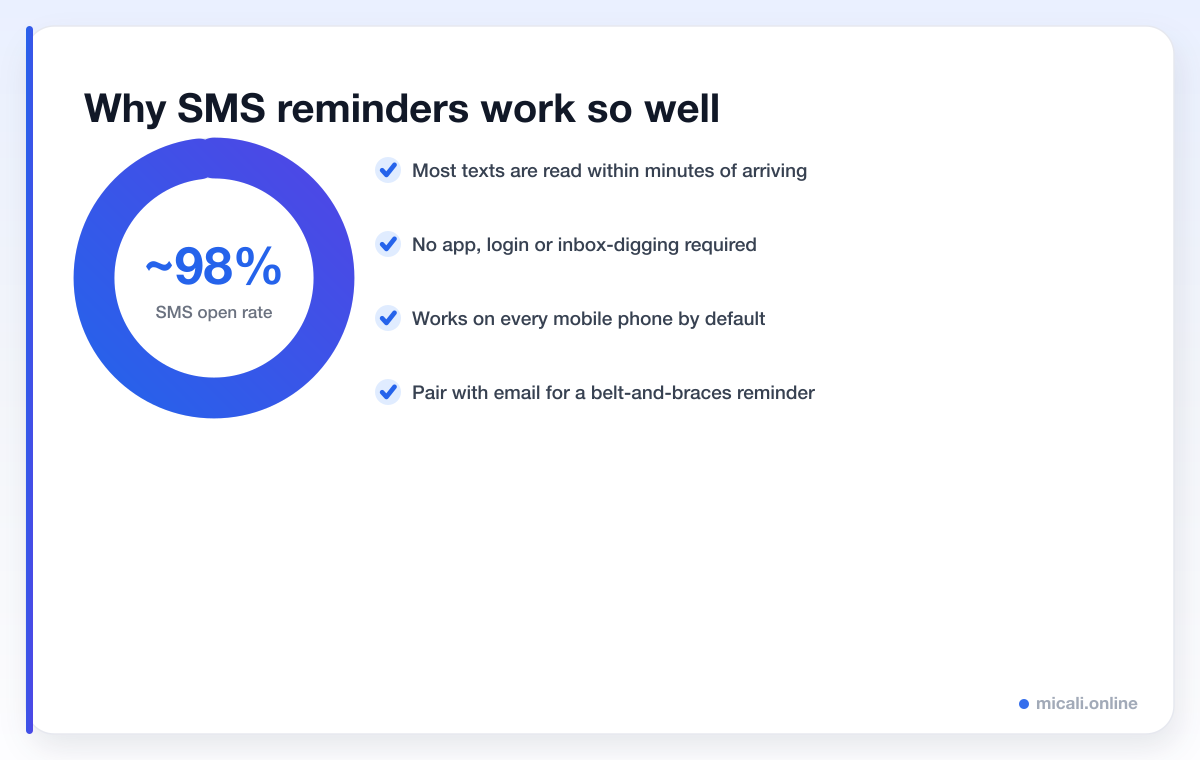
SMS is the workhorse of no-show prevention, and it only works if you have the number. Make the phone field required on your booking form. It takes a client two seconds and gives you the single most reliable reminder channel there is.
8. Personalise the message
A reminder that uses the client's name, the staff member's name and the exact service feels like a message from a person, not a robot. That small touch makes people far more likely to read it, act on it, and feel a sense of obligation to show up.
9. Track your no-show rate
What gets measured gets managed. Check your no-show rate every month and watch how it responds as you turn on reminders, add deposits or tweak timing. Once you can see the number moving, improving it becomes almost addictive.
A reminder message that actually works
Keep it short, specific and friendly, and always include one clear action. Here's a simple template you can adapt:
Hi {first_name}! Reminder: your {service} is tomorrow at {time} with {staff}. Reply C to confirm or tap to reschedule: {link}. See you soon — {business}.
Want more wording to copy and paste? Browse our appointment reminder and SMS templates.
How micali.online helps you cut no-shows
micali.online is built to do the heavy lifting for you. Automated email and SMS reminders, instant booking confirmations, one-tap rescheduling, deposits, a built-in waiting list and a clear view of your no-show rate are all part of the platform — so you can put every tactic in this guide on autopilot.
You can set up a free booking page in minutes, with no credit card required, and start sending reminders the same day.
Frequently asked questions
What is a good no-show rate?
It varies by industry, but many businesses aim to get below 5%. If you're currently sitting at 10–20% with no reminders in place, that's a realistic target once you add automated reminders and a deposit or cancellation policy.
Do reminders really reduce no-shows?
Yes — reminders are consistently the most effective single change a business can make. Well-timed reminders address the most common cause of no-shows, which is simply forgetting.
Should I charge a no-show fee?
A clear, fairly applied no-show or late-cancellation fee is one of the strongest deterrents available. The key is to communicate it up front and apply it consistently, so it feels fair rather than punitive.
How many reminders should I send?
Two to three is the sweet spot for most businesses: a confirmation at booking, a reminder the day before, and a short nudge a couple of hours before. More than that risks feeling like spam.
The bottom line
No-shows feel inevitable, but they're really just a gap between booking and showing up — and that gap is easy to close. Turn on reminders, ask for a small commitment, make rescheduling painless and keep an eye on the numbers. Stack those habits together and a meaningfully lower no-show rate is well within reach.
Ready to put it on autopilot? Create your free micali.online booking page and start sending automated reminders today.