
If you could pick just one tool to stop clients forgetting their appointments, it would be the humble text message. Email gets buried, push notifications get ignored, and phone calls eat your day. A short SMS, sent at the right moment, lands in the one place people actually check — their pocket.
This guide covers why SMS is the most effective reminder channel, the best practices that keep your texts working, and 25 copy-paste templates grouped by scenario. Every template uses simple merge fields you can wire up once and forget.
Grab the ones that fit your business, swap in your wording, and turn your reminders into a no-show-fighting machine.
SMS reminders are most effective when they support a clear booking process. If you are still building that process, start with the complete online booking setup guide.
Why SMS beats every other reminder channel
People read their texts — almost all of them, and fast. While exact figures vary by source and audience, SMS is commonly reported to be opened around 98% of the time, with most messages read within minutes of arriving. Compare that to email, where a good open rate sits closer to 20–30% and a reminder can sit unread for hours.
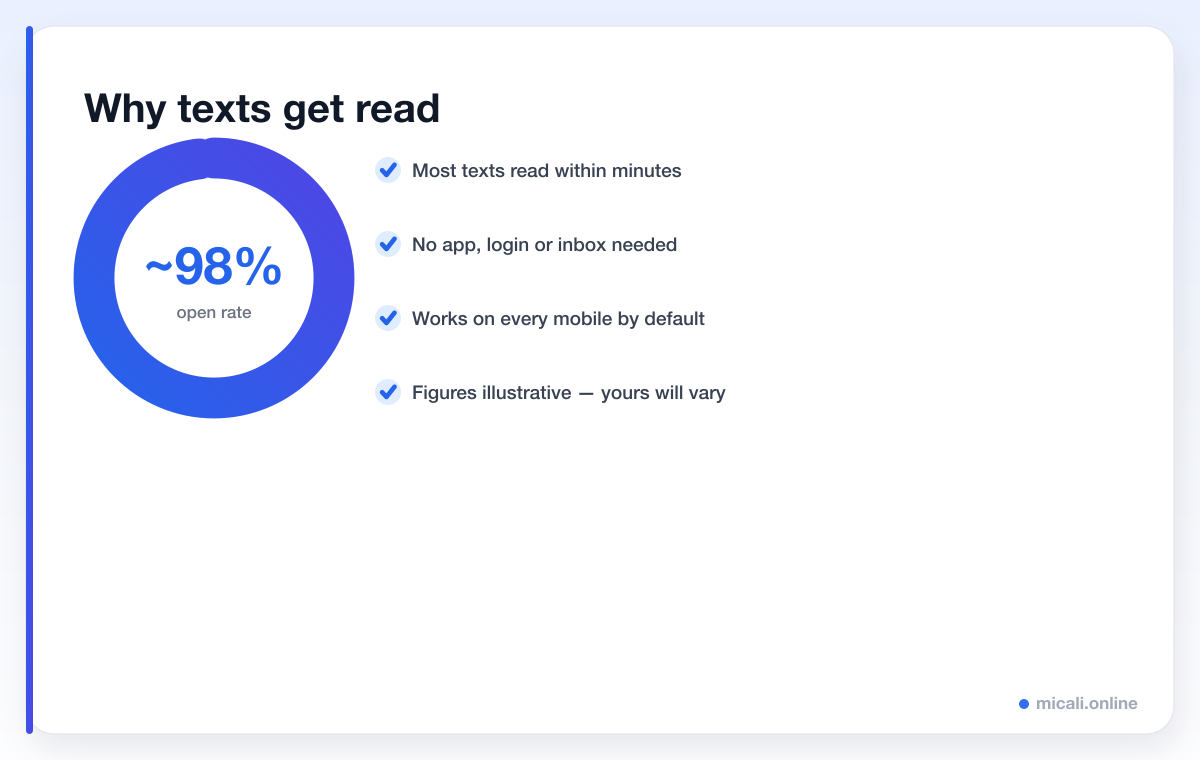
The reasons are simple. A text needs no app, no login and no inbox-digging. It works on every mobile phone by default. And it arrives with a little buzz that's hard to ignore. For a time-sensitive nudge — "your appointment is in two hours" — nothing else comes close.
That said, the figures above are illustrative ranges, not guarantees. Your own open and reply rates will depend on your audience, your timing and how well your messages are written — which brings us to the best practices.
SMS reminder best practices
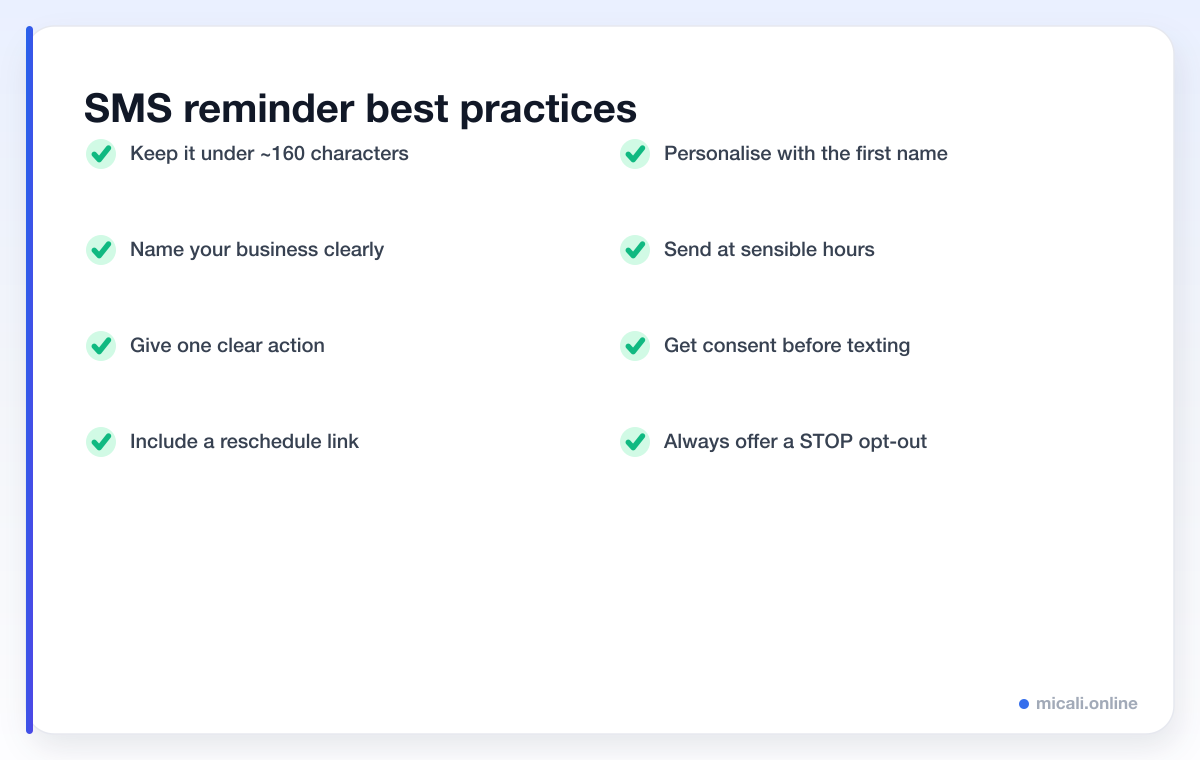
A great reminder text does a lot of work in very little space. Follow these eight rules and your messages will be clear, welcome and effective.
Keep it under ~160 characters
One SMS segment is 160 characters. Go over and your message may split into two (costing more) or get truncated. Brevity also reads better on a phone. Write the message, then ruthlessly cut anything that isn't the name, the action and the key details. Character-count discipline is a habit worth building — every template below is written to fit comfortably in a single text.
Identify your business immediately
A text from an unknown number is easy to dismiss. Lead with your business name so the reader knows in a heartbeat who's messaging and why.
Give one clear action
Don't ask people to do three things. Pick the single most important action — confirm, reschedule, or pay — and make it obvious. One message, one job.
Include a reschedule link
Many no-shows are really just failed reschedules. The client's plans changed, but cancelling felt awkward. A one-tap reschedule link turns a silent no-show into a simple time change.
Respect timing and the opt-out
Send during sensible hours — nobody wants a reminder at 6am. And always make it easy to opt out, typically by replying STOP. In many regions this is a legal requirement, and it's simply good manners.
Get consent first
Only text people who've agreed to be contacted by SMS. Collect that consent at the point of booking, alongside the mobile number. It keeps you compliant and keeps your messages welcome rather than spammy.
25 SMS reminder templates you can copy
Below are 25 ready-to-use templates, grouped by scenario. Each uses merge fields — {first_name}, {service}, {time}, {business} and {link} — that your booking system fills in automatically. Swap the wording to match your voice, but keep them short.
Booking confirmations
Send these the instant someone books. They reassure the client and put the details somewhere findable.
Hi {first_name}, you're booked! {service} on {time} at {business}. Need to change it? {link}
{business}: thanks {first_name}! Your {service} is confirmed for {time}. Add it to your calendar so it's not forgotten.
Booking confirmed, {first_name}. See you for your {service} at {time}. Reply STOP to opt out of texts.
24-hour reminders
The workhorse reminder. Sent the day before, it catches people while there's still time to plan around it.
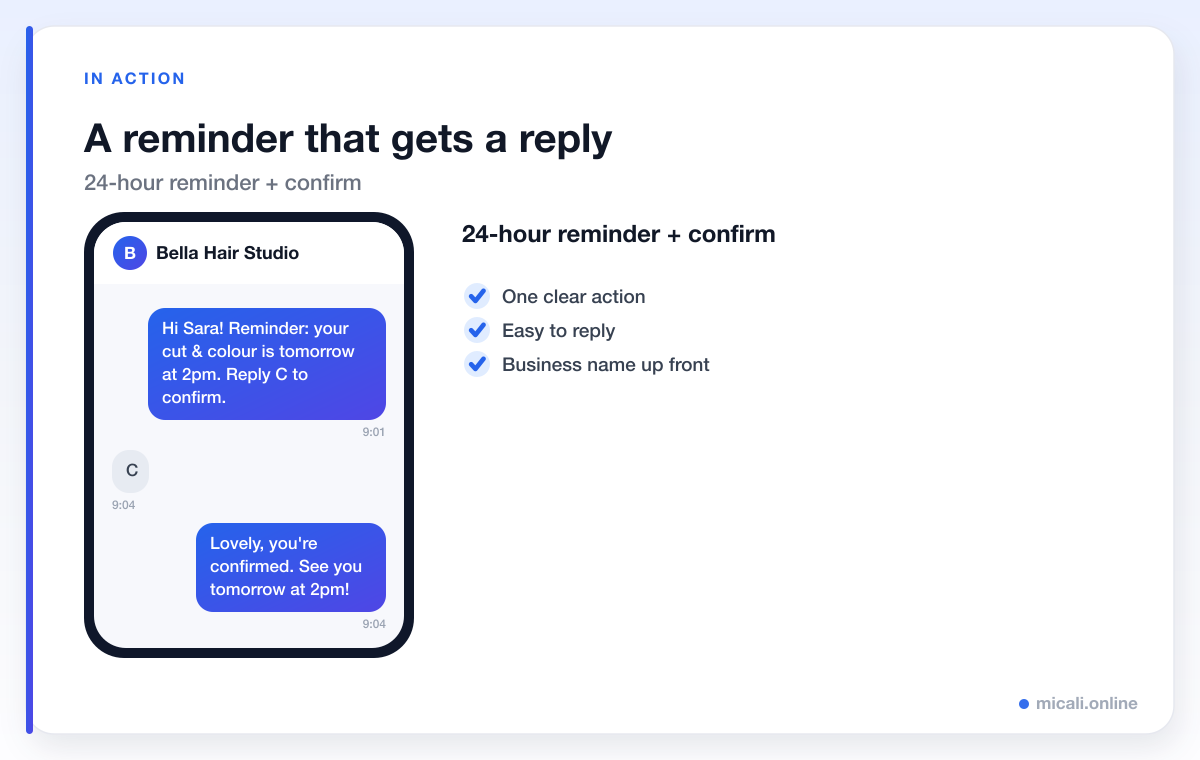
Hi {first_name}! Reminder: your {service} is tomorrow at {time} with {business}. Reply C to confirm or reschedule here: {link}
{business} here. See you tomorrow at {time} for your {service}. Can't make it? Reschedule in one tap: {link}
Looking forward to seeing you tomorrow, {first_name}! Your {service} is at {time}. Reply Y to confirm.
Final-hour nudges
A short prompt a couple of hours before stops the last-minute forgetters. Keep these especially tight.
See you soon, {first_name}! Your {service} at {business} is at {time}. Running late? Just let us know.
{business}: your {service} is in 2 hours, at {time}. We're ready for you!
Quick nudge {first_name} — {service} today at {time}. Reply if anything's changed: {link}
Reschedule and cancellation
Make moving an appointment painless. A friendly tone here protects the relationship even when plans change.
No problem, {first_name}! Pick a new time for your {service} here: {link} — {business}
{business}: we've cancelled your {service} on {time} as requested. Book again anytime: {link}
Hi {first_name}, we need to move your {service} on {time}. Sorry for the change — grab a new slot: {link}
Waiting-list offers
When a slot frees up, the next person in line gets first refusal. Speed matters, so make replying instant.
Good news {first_name}! A slot opened for your {service} at {time}. Reply YES in the next hour to grab it. {business}
{business}: a {time} space just freed up for {service}. Want it? Book now before it's gone: {link}
Deposit and payment
A small deposit or payment reminder keeps bookings firm and balances paid. Always link straight to checkout.
Hi {first_name}, to confirm your {service} at {time}, please pay your deposit here: {link} — {business}
{business}: friendly reminder, the balance for your {service} on {time} is still outstanding. Pay here: {link}
Almost done {first_name}! Secure your {service} slot at {time} with a quick deposit: {link}
Review and follow-up
After the appointment, a warm thank-you and a gentle ask for feedback go a long way.
Thanks for visiting {business}, {first_name}! Hope you loved your {service}. Mind leaving a quick review? {link}
Hi {first_name}, it was great to see you. Ready to book your next {service}? Here you go: {link} — {business}
Industry-specific examples
Tweak the tone to suit your trade. A few tailored examples for common booking businesses:
Salon & beauty:
Hi {first_name}! Your appointment at {business} is tomorrow at {time}. Bring photos of any looks you love! Reschedule: {link}
Clinic & dental:
{business}: reminder of your {service} on {time}. Please arrive 5 mins early. Need to rearrange? {link}
Fitness & classes:
See you in class, {first_name}! {service} at {time}. Can't make it? Free your spot for someone else: {link} — {business}
Tutoring & lessons:
Hi {first_name}, reminder: your {service} session is at {time}. Have your materials ready. Reschedule: {link} — {business}
Want more wording to copy and paste? Browse our message and reminder templates and automation guides.
How micali.online sends these for you
You don't want to type 25 texts by hand. micali.online sends automated SMS (and email) reminders for you — confirmations the moment someone books, a 24-hour reminder, a final-hour nudge, deposit prompts and waiting-list offers, all with merge fields filled in automatically and a built-in reschedule link.
You can set up a free booking page in minutes, with no credit card required, collect mobile numbers and consent at booking, and have your first reminders going out the same day.
Frequently asked questions
How long should an SMS reminder be?
Aim for under 160 characters so it fits in a single text segment. That keeps costs down, avoids truncation and reads cleanly on a phone. Lead with your business name, include one clear action, and cut anything that isn't essential.
When should I send a reminder text?
The sweet spot for most businesses is two to three touchpoints: a confirmation at booking, a reminder 24 hours before, and a short nudge a couple of hours before. Always send during sensible daytime hours.
Do I need consent to text my clients?
Yes. Only send SMS to people who've agreed to be contacted that way, and always offer an easy opt-out such as replying STOP. Collect consent and the mobile number together at the point of booking.
Are SMS reminders better than email?
For time-sensitive nudges, generally yes — texts are opened far more often and read much faster than email. The strongest setup uses both: email for richer detail and SMS for the can't-miss reminder.
What merge fields should I use?
The essentials are the client's first name, the service, the time, your business name and a reschedule or payment link. Your booking software fills these in automatically, so one template works for every client.
The bottom line
SMS reminders are short, fast and almost always read — which makes them the most effective no-show prevention tool you have. Keep them brief, identify your business, give one clear action, include a reschedule link and respect consent and timing. Then let the templates above do the talking.
Ready to put your reminders on autopilot? Create your free micali.online booking page and start sending automated SMS reminders today.
